FreeWindows 11Version 2.0
Everything on your PC, in one glass desktop.
Bridge puts the web, your games, your files and your music in one calm, see-through place. Add only the apps you want.
Windows 11 23H2 or later · x64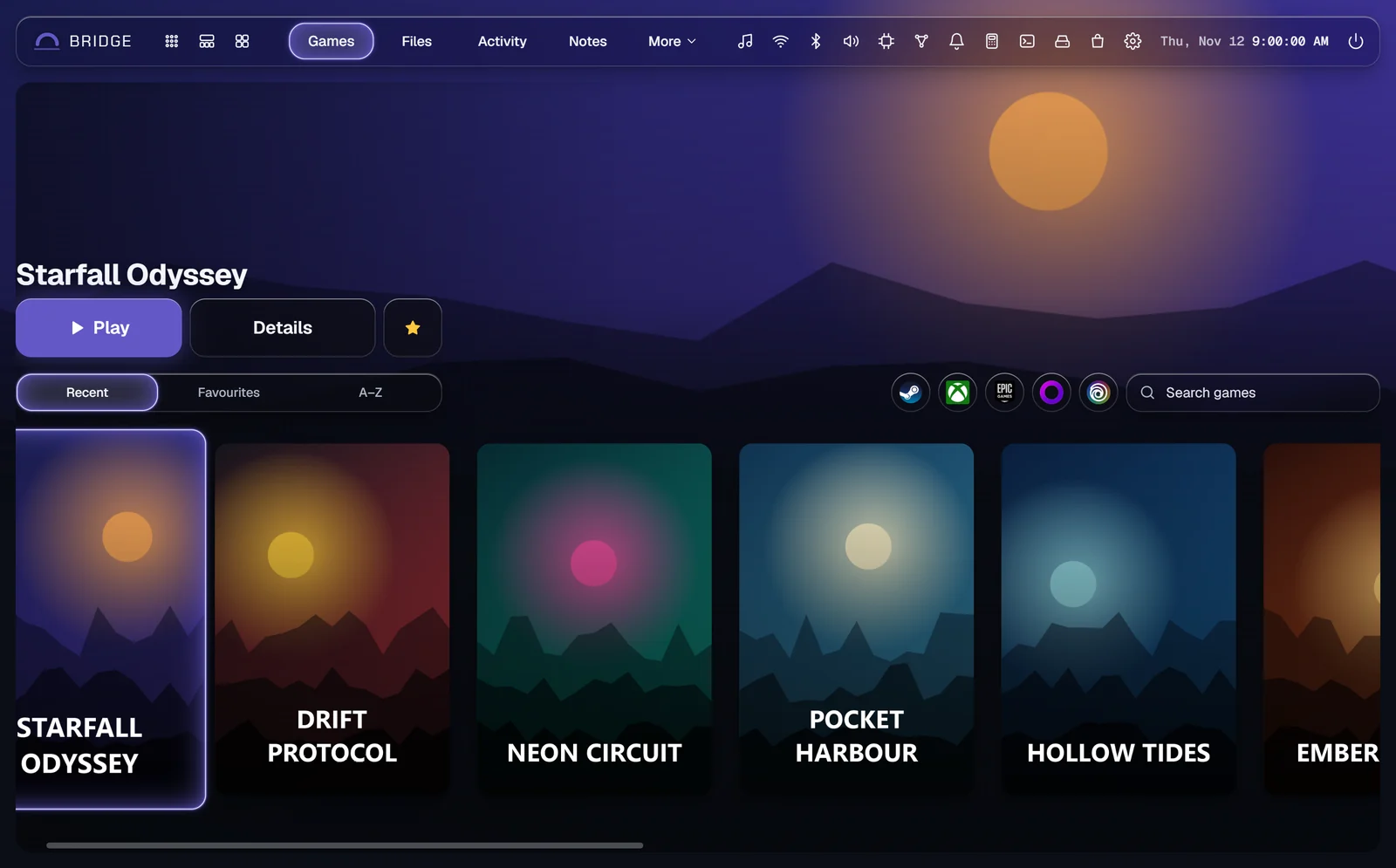
What you get
Bridge itself, then any apps and add-ons you want from the Store.
BridgeInstalls first
Home and search, a full browser, web apps and the Music tab, wallpapers and the Store.
HomeBrowserWeb appsMusicWallpapersStore
Download BridgeApps9 in the Store
Each one runs inside Bridge as a tab, icon or flyout, or on its own in a glass window.

Add-ons7 in the Store
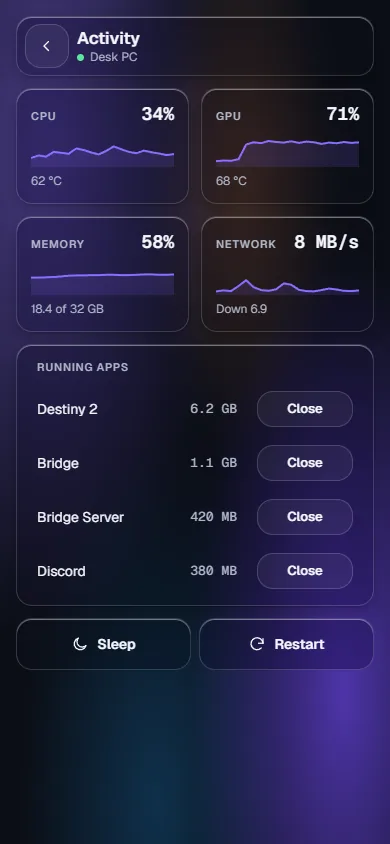
They add to Bridge itself: your PC's controls, a controller, your phone and more.
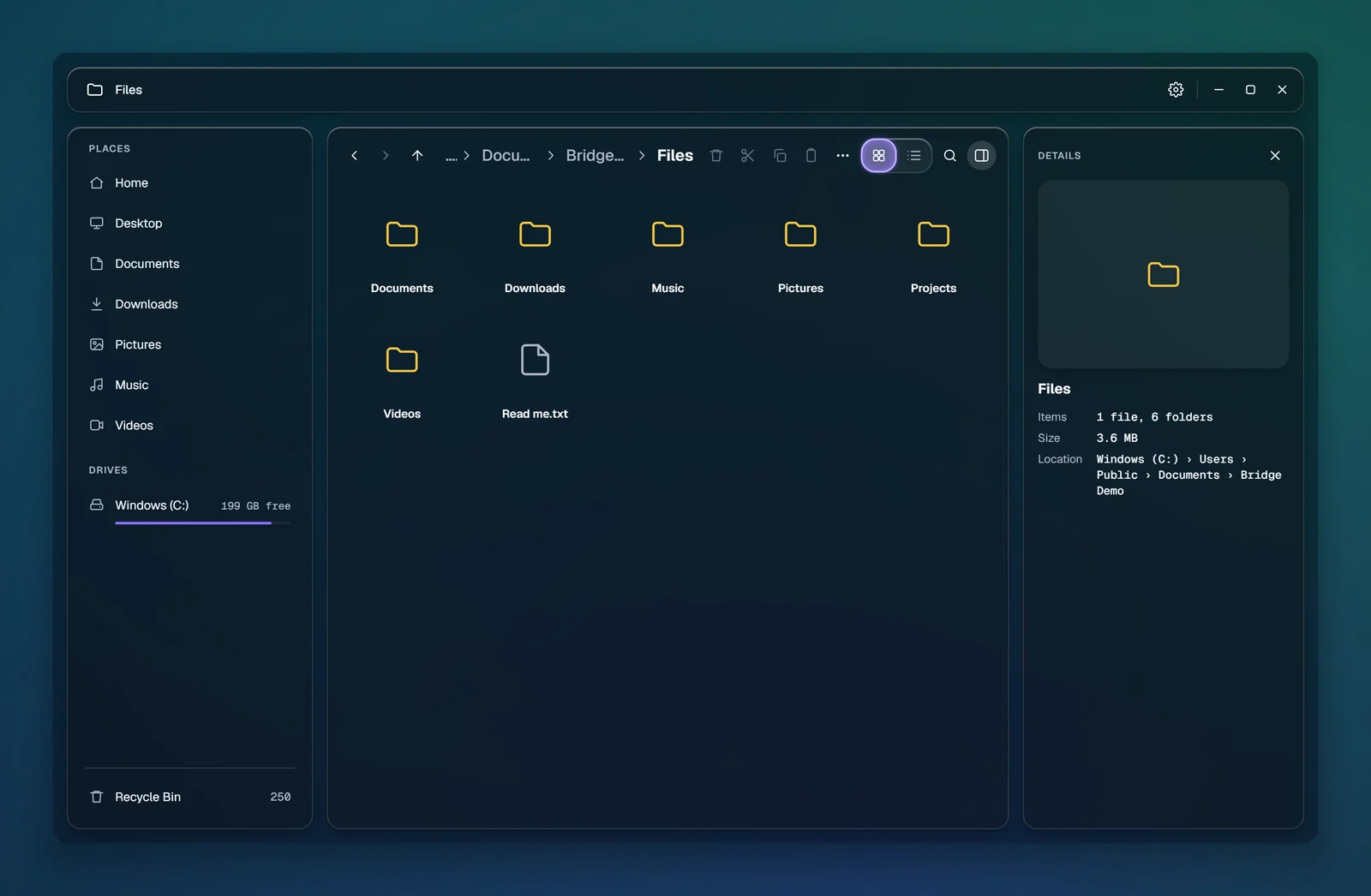
Inside Bridge, or on its own
The same app, wherever you open it.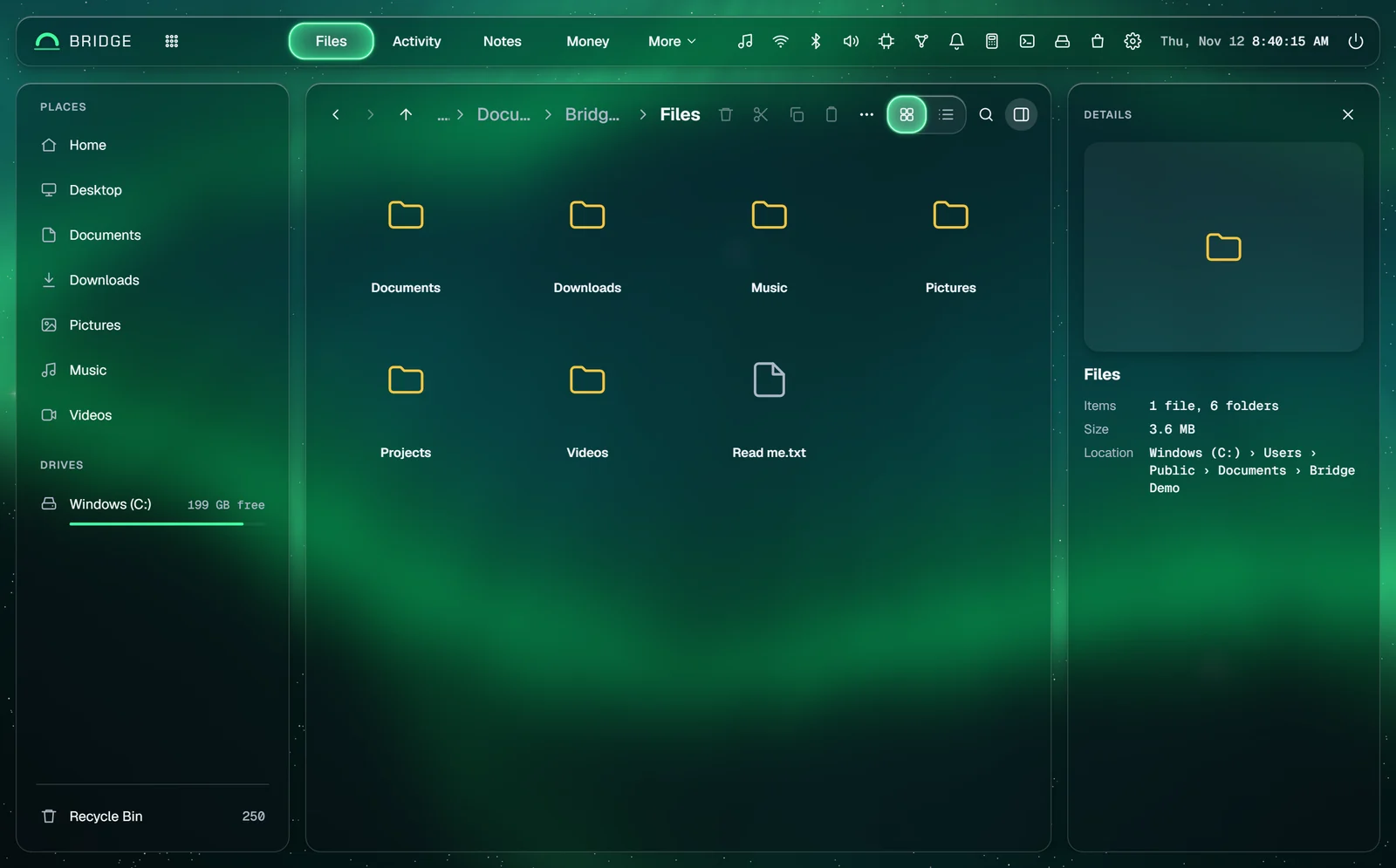
Your apps on your phone
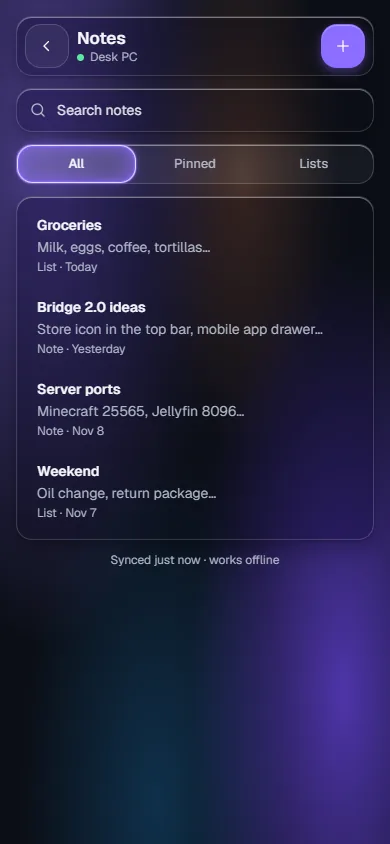
With Bridge Mobile, your phone opens your Bridge apps over Tailscale while Bridge is open on your PC. Your data stays on your PC.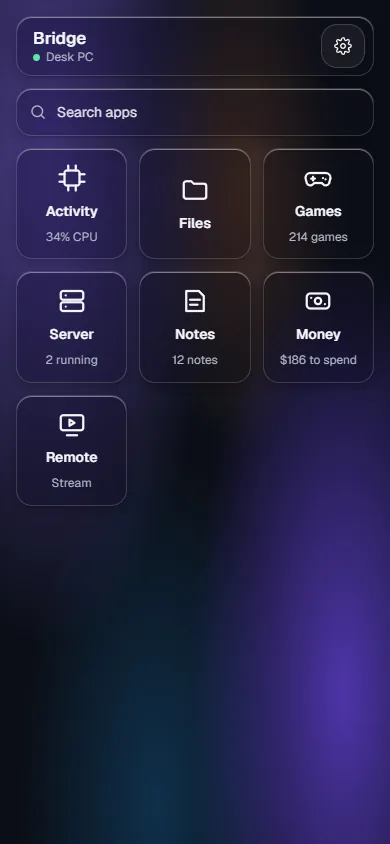
Install Bridge
Download BridgeThree steps
1Open Bridge Setup from your Downloads.
2If Windows says it protected your PC, choose More info, then Run anyway. Bridge isn't signed with a certificate yet; every update is still checked with Bridge's own signature.
3Pick your apps in setup. You can add or remove them later in the Store.
Details
Version2.0
NeedsWindows 11 23H2 or later
PCx64
Also installsWebView2 and .NET 8, if missing
PriceFree
PublisherBridge