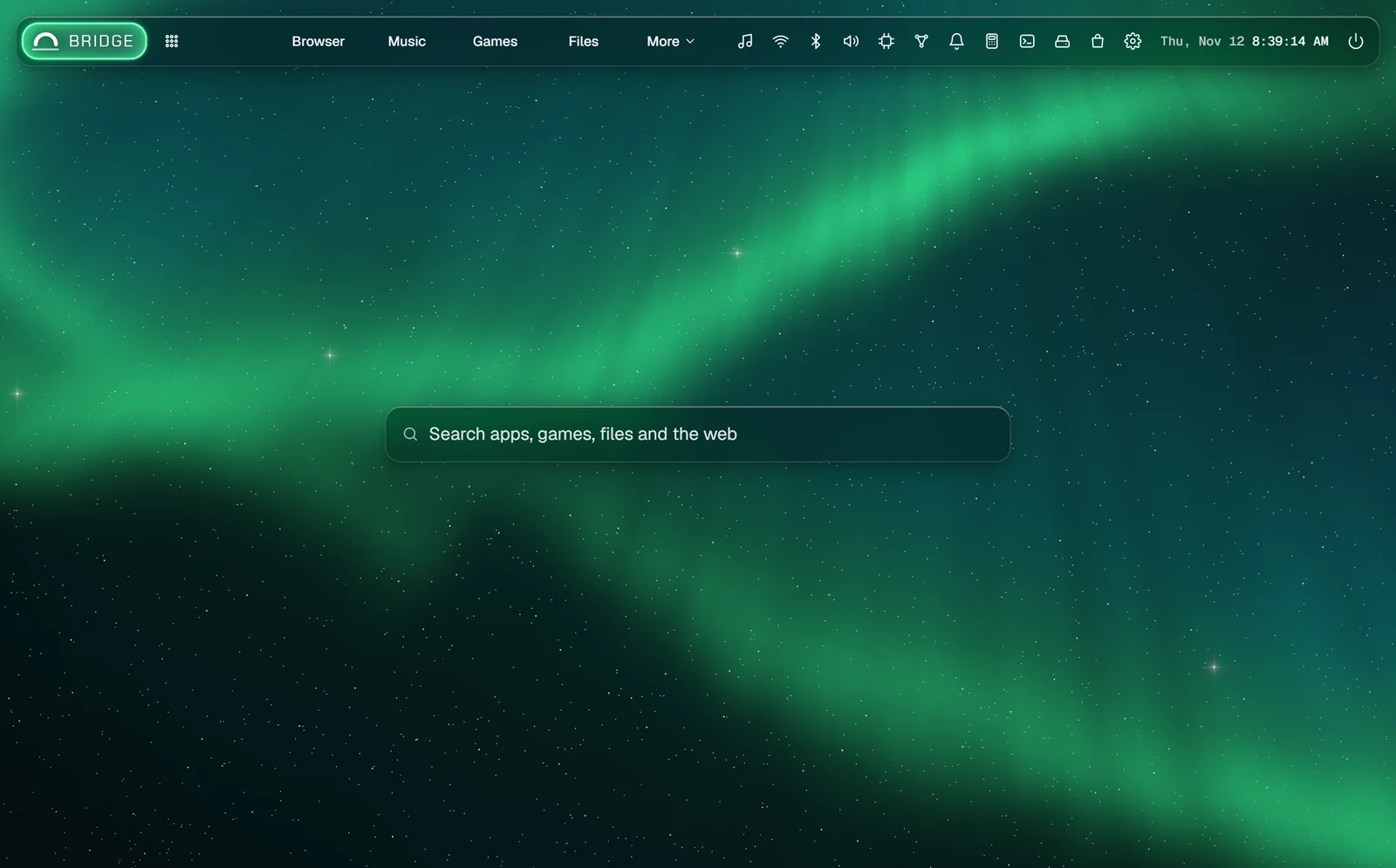
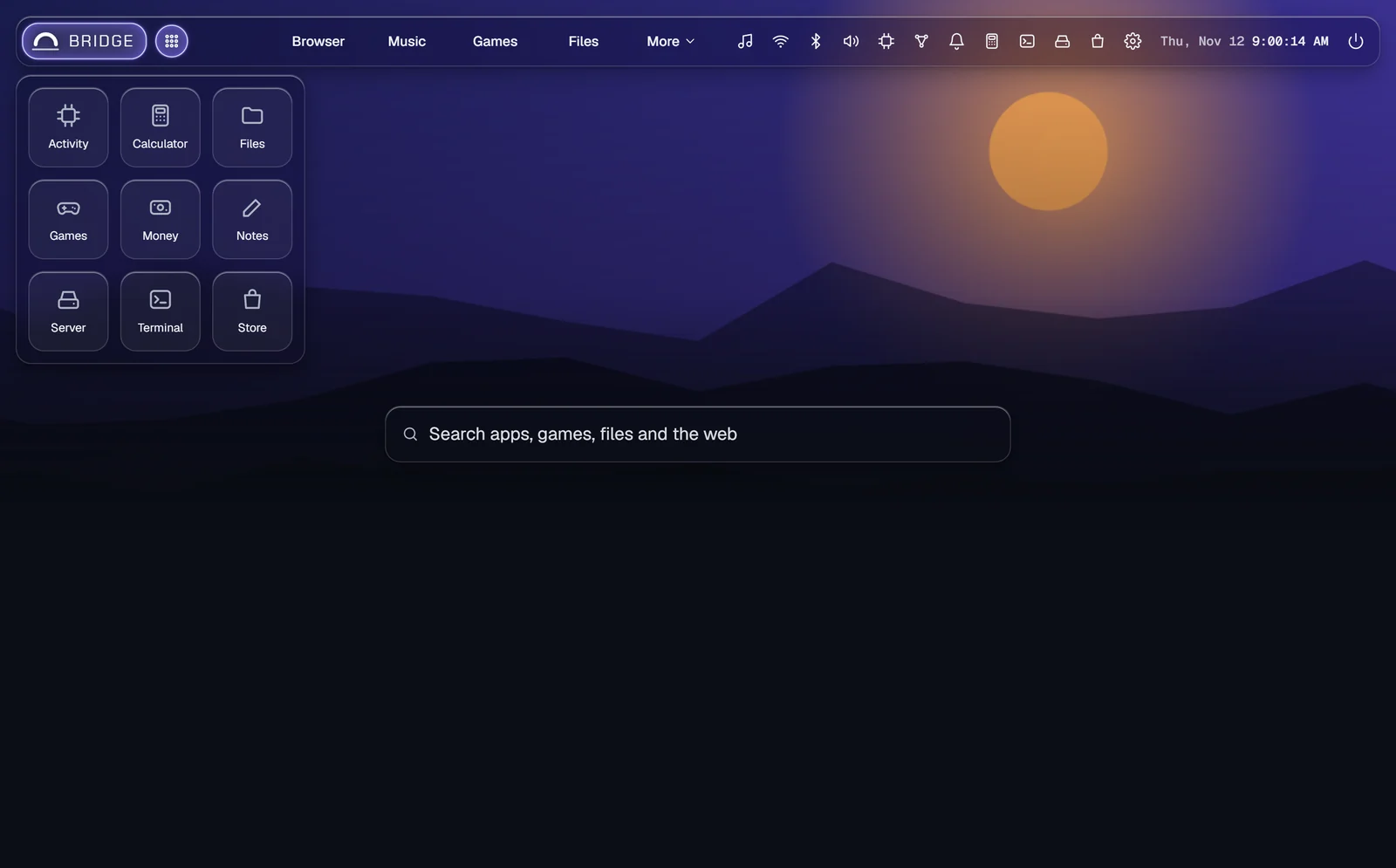
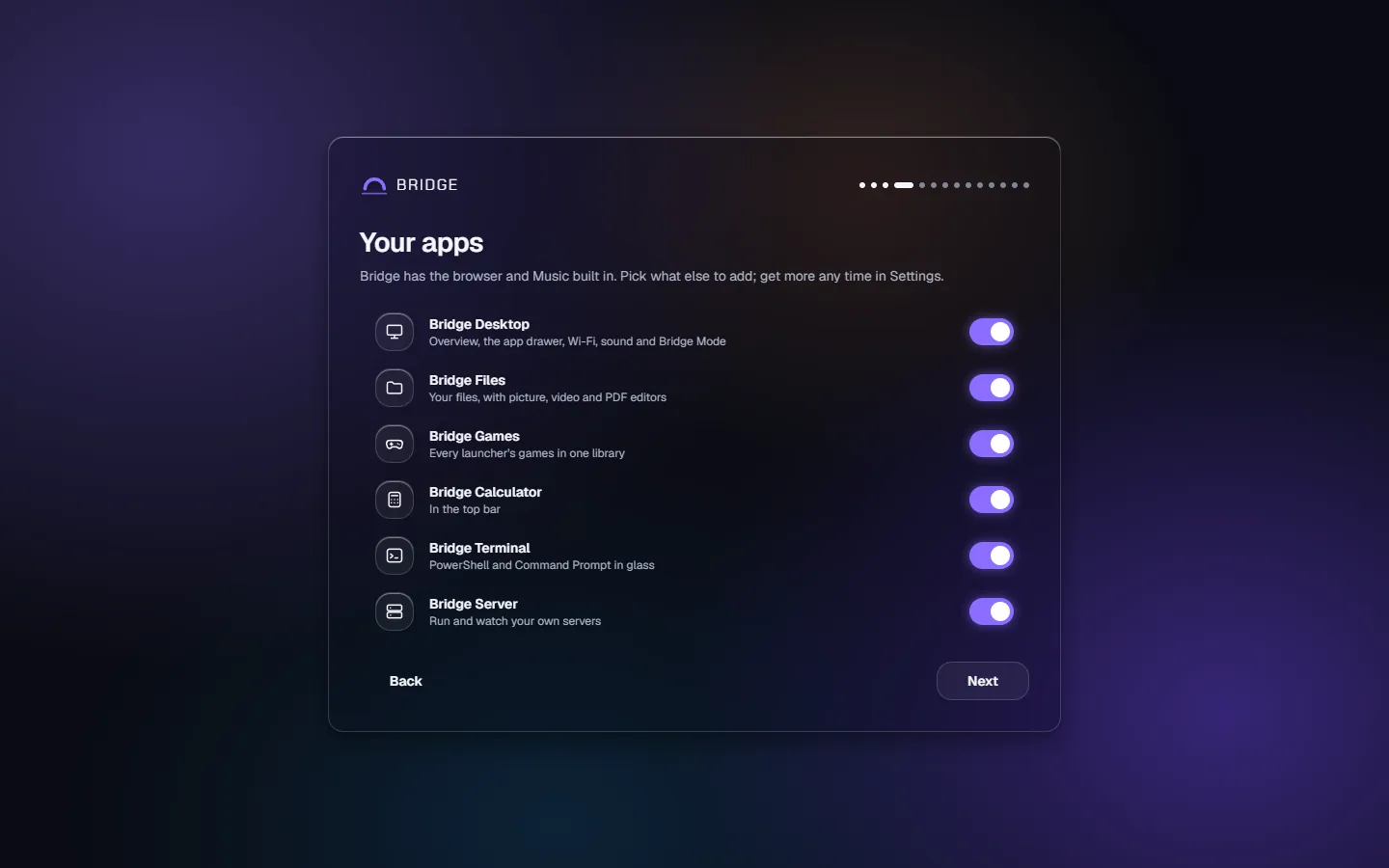
Bridge is where everything else plugs in. Home is one search bar for the web, Bridge's settings and whatever your packages add. The browser is a full one, with tabs, split view, extensions, private tabs and Shields blocking ads and trackers, and any site can become a web app in the top bar; the Music tab and the now-playing player follow whatever is playing. Live wallpapers colour every page through Dynamic theming, in Default or Dark glass. Settings, one backup for every package, and the Store, where you add apps and add-ons, are all here. Use it in a window or full screen; add Bridge Mode to make it your desktop.
Adds to Bridge
Home, with search across Bridge and the web
Browser: tabs, split view, extensions and private tabs
Ad and tracker blocking (Shields)
Web apps, the Music tab and now playing
Live wallpapers and Appearance
The Store, for apps and add-ons
Details
Version2.0
NeedsWindows 11 23H2 or later, x64
Runs on its ownYes, windowed or full screen
On Bridge MobileNo
PriceFree